Going back to Obsidian (for now)
So, I was a long-time Obsidian user, but one small issue kept nagging me: syncing (without paying for Obsidian Sync). After seeing this video from Lawrence Systems, I decided to give Joplin a try.
Note: I tested this with Joplin Mobile 13.5.3 and Joplin Desktop 3.5.12
Joplin sounds like a good idea: it has apps on all the platforms I use (Windows, Android, iOS), it’s fully open source, I can self-host my own sync server, and it even has handwriting support. I set up a Docker container on my server and started testing.
I imported all of my Markdown notes that I had created with Obsidian and the import process went smoothly. I logged in on another device and the syncing feature worked great.
Handwriting Feature
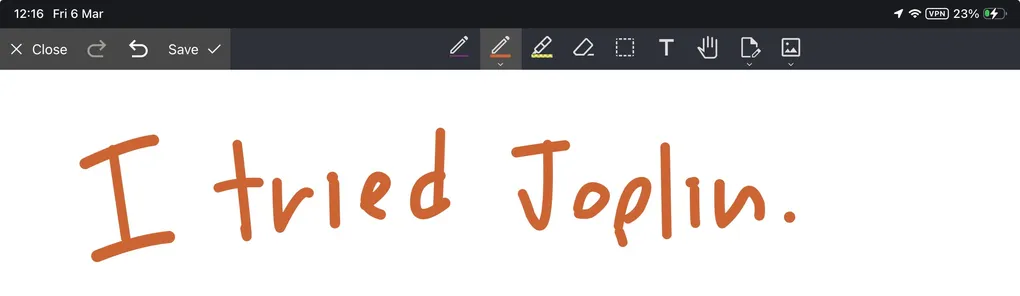
I tried the handwriting feature next on my iPad (hoping it might replace GoodNotes, which is not available on Android Phone), but it is not comparable with GoodNotes at all. It can’t annotate PDFs, and this limitation has been reported on the forum since 2020 (link1, link2), so I don’t think this feature will arrive anytime soon. It also doesn’t support Apple Pencil features like double-tap to change tools, which annoys me a lot (GitHub Issue). So I don’t think it can replace note-taking apps that focus on handwriting, like GoodNotes or Notability anytime soon.
Searching
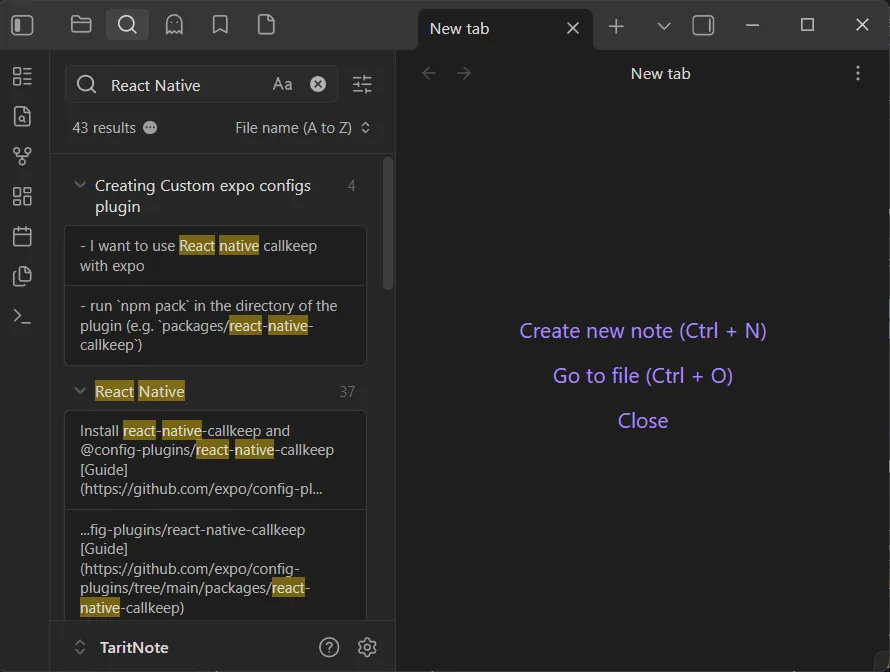
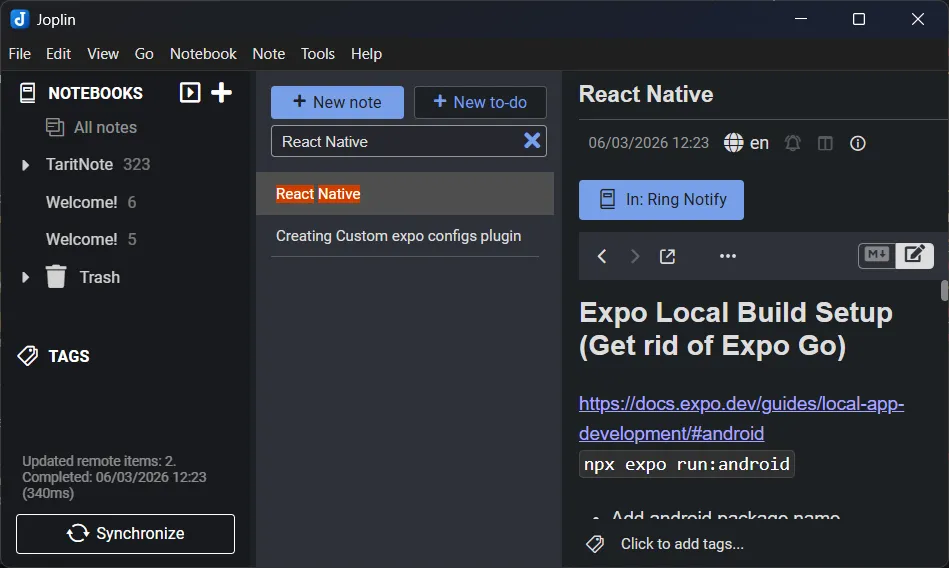
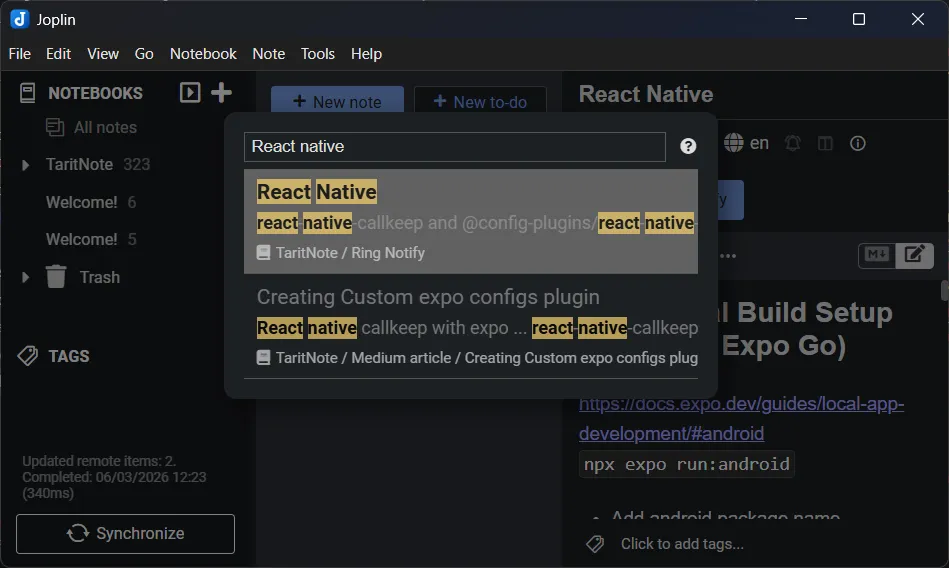
Another annoying thing is searching. While Joplin’s default search bar does full-text search, it doesn’t show the text inside a note the way Obsidian does. You can use the Goto Anything dialog (CTRL+P) to search, but it only shows matches in a single line rather than the specific lines you can jump to in Obsidian. Note that there are some plugins that might solve this issue, but I haven’t tried them.
Main Reason for switching back
The real reason I switched back to Obsidian is because of Claude Code. It’s so convenient to launch Claude Code in my Obsidian folder and ask it to do research and write the results directly to Markdown. With Joplin storing files in its own database, you can’t easily use external tools to edit notes. While AI integration might be possible via a plugin (which I haven’t explored yet), I think having notes in the file system is more convenient. There’s a Joplin MCP server, but I still think that editing directly on the file system is simpler.
Finally, I think Obsidian’s UI just looks nicer.